Top 5 Website Spell Checker Alternatives 2026

Finding a website spelling checker that scans whole sites and tracks fixes without forcing recurring fees or extra manual review wastes time and budget. Many leading tools demand a paid subscription for bulk checks, limit error tracking, or miss hidden text on WordPress sites. This comparison covers pricing, error detection depth, platform compatibility, and privacy so website owners can match a checker to specific site and workflow needs.
Table of Contents
WebSite SpellChecker
At a Glance
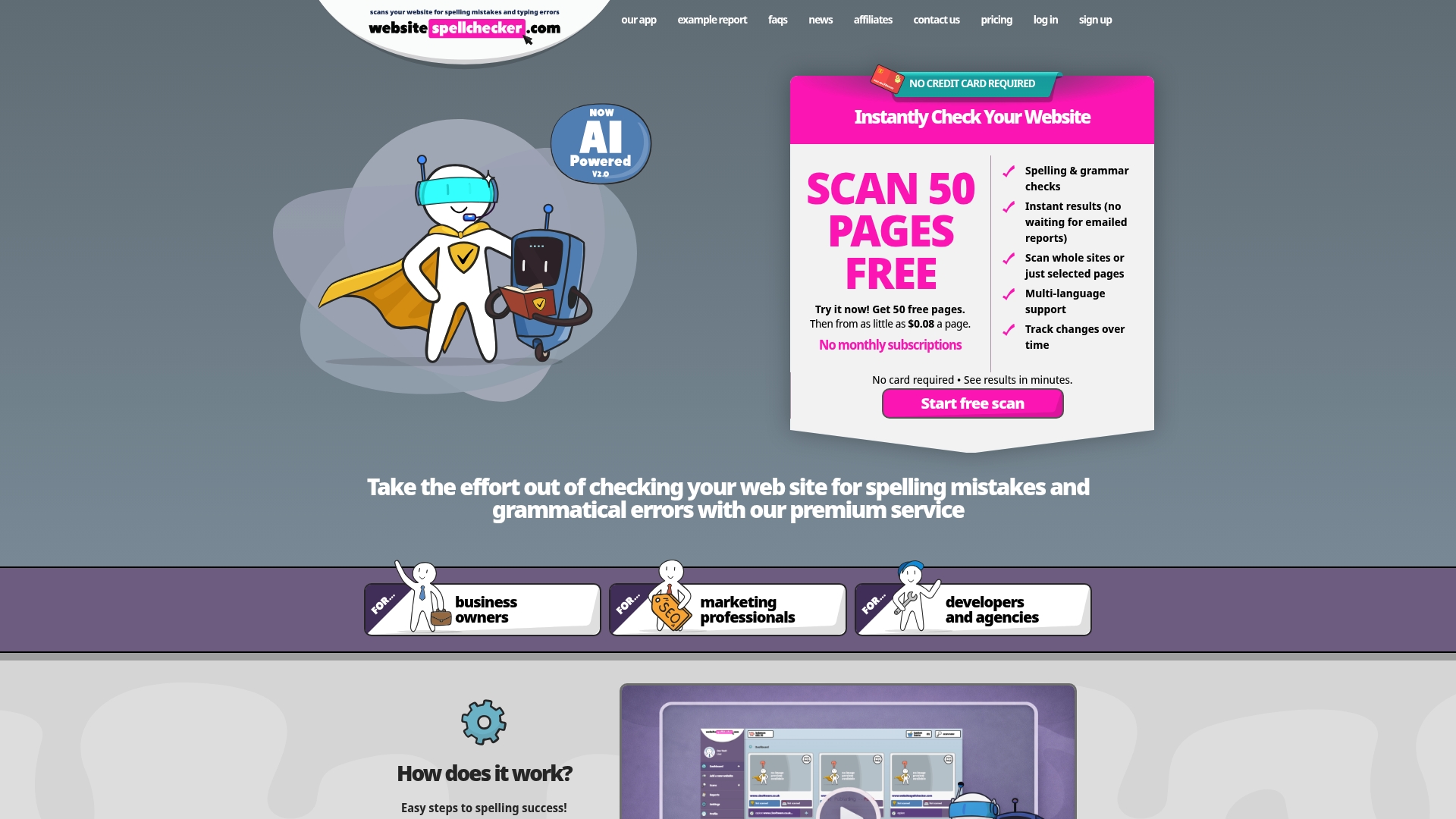
Free initial scans for 50 pages and pricing from $0.08 per page make quick, wide-ranging checks affordable. The tool scans entire sites or selected pages and returns instant results with a detailed report. It also tracks text changes over time so you can monitor fixes and regressions.
Core Features
WebSite SpellChecker performs website scanning for spelling, grammar, and language issues across public pages, with options to scan single pages or an entire site. The service gives real-time results and detailed reports, supports multiple languages and regional settings, and records changes over time to show content updates. Reports arrive without manual proofreading or emailed reports, saving manual review time.
Key Differentiator
The single standout is bulk site wide scanning combined with a no subscription model and pay only for pages scanned approach. That combination lets you check large sites in one pass and buy scans only when needed. For teams managing many pages, this removes recurring fees and centralises error detection into one instant report.
Pros
The interface is straightforward and returns real-time reports that let you prioritise fixes quickly. Support for multiple languages and regional settings suits international sites and campaign landing pages. Selective page or site wide scanning means you can run focused checks during edits or a full sweep before a product launch. Tracking changes over time helps you verify that corrections remain in place after updates. The pay per page model keeps costs low for occasional audits and helps smaller teams avoid monthly subscriptions.
Cons
- Limited to publicly accessible pages. Private or password protected pages cannot be scanned.
Who It’s For
Website owners, digital marketing teams, developers, and agencies who need fast, affordable proofreading across many pages. It fits teams that update content frequently and want evidence of fixes over time. It also suits marketing teams checking campaign pages before traffic launches.
Unique Value Proposition
Free scans for 50 pages plus pay per page pricing from $0.08 per page make ad hoc large audits affordable. That pricing removes subscription commitments and lets you budget checks by project or client. For agencies and freelancers, it means you can offer proofreading as a one off service without adding monthly costs.
Real World Use Case
A small e-commerce owner runs a site wide scan before a seasonal sale, locates spelling and grammar errors across product pages, and downloads the report to hand to the developer. The owner then re-runs the scan to confirm fixes were applied and to track any new issues after inventory updates.
Pricing
WebSite SpellChecker charges on a pay per page basis, with rates starting from $0.08 per page. New users can run free initial scans for up to 50 pages to test accuracy before purchasing additional scans. There are no monthly subscriptions; you buy scans as required.
Website: https://websitespellchecker.com
Grammarly
At a Glance
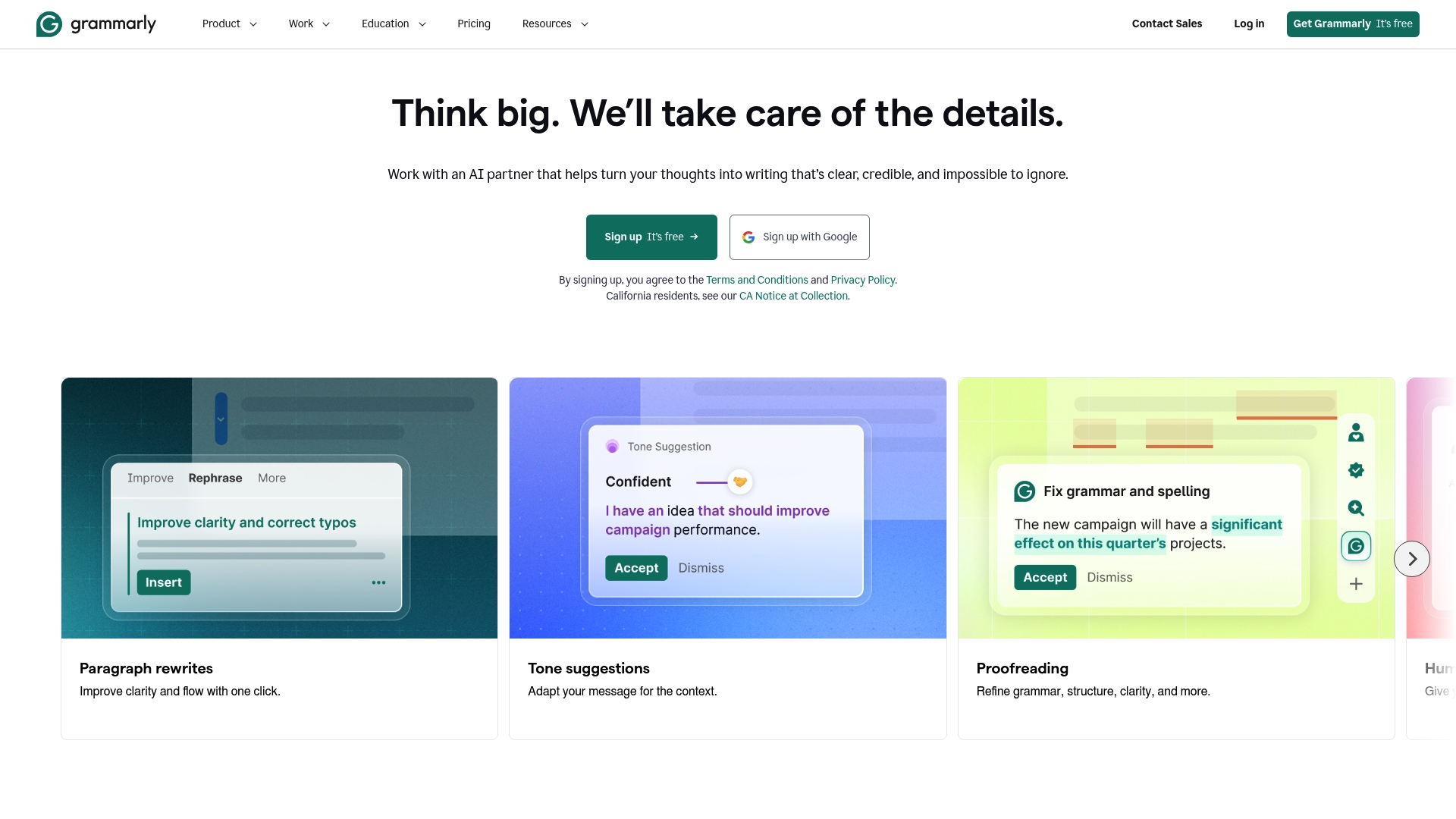
Grammarly includes AI content generation and a plagiarism detection tool alongside real time grammar and spelling checks. The service pairs tone detection with rewriting suggestions so content aligns with a chosen voice. Many teams use the apps and browser extensions to keep public copy consistent across channels.
Core Features
Grammarly delivers grammar and spelling checking, tone detection, plagiarism scanning, and AI-driven rewriting in one workflow. It offers team collaboration features and apps for desktop, mobile, and major browsers so you can edit within documents and web interfaces. The combination of style, clarity, and content generation tools supports both short form copy and longer documents.
Key Differentiator
The feature that sets Grammarly apart is its deep integration across apps and its context aware suggestions that personalise edits. That focus means suggestions change depending on document type and intended tone. For content teams who edit in Google Docs or Microsoft Office, this contextual behaviour keeps suggestions relevant to the medium.
Pros
Grammarly gives consistently precise grammar and style suggestions that reduce manual proofreading time. The interface is user friendly, and extensions plus dedicated apps make checking content simple wherever you write. The AI tools help rewrite sentences and adjust tone, which speeds content workflows and supports brand voice across documents and web pages.
Cons
- Some advanced features require a paid subscription. This restricts full functionality to paying members.
- AI suggestions can be contextually off or overly prescriptive. You will need a human edit for nuanced copy.
- The free plan offers limited writing style customisation. Teams that need strict house style controls will find this restrictive.
- Occasional false positives appear in grammar detection. These need manual review to avoid unnecessary changes.
When It May Not Fit
If you require deep, per brand style controls out of the box, Grammarly’s free tier is unlikely to meet that need. Organisations that must rely solely on fully custom editorial rules will find the product’s preset guidance limiting. If every suggestion must be 100% accurate without human oversight, expect to add a review step.
Notable Integrations
- Browser extensions for Chrome, Firefox, Safari, and Edge
- Microsoft Office
- Google Docs
- Desktop and mobile apps
Who It’s For
Writers, professionals, students, and teams seeking AI assisted writing support will find Grammarly a strong fit. Content teams that publish across web, email, and documents benefit from the cross platform checking. Smaller teams that need immediate tone control and fast rewrites will appreciate the productivity gains.
Real World Use Case
A marketing team uses Grammarly to ensure campaign pages and emails are error free and on tone. The AI rewriting feature reduces editing cycles and helps junior writers match the brand voice. The result is more consistent messaging with less back and forth.
Pricing
Grammarly offers a free tier and paid plans. The vendor lists paid plans starting at $12 USD/month per member for Pro, plus custom enterprise options for larger teams. Team and enterprise pricing depends on member count and feature needs.
Website: https://grammarly.com
LanguageTool
At a Glance
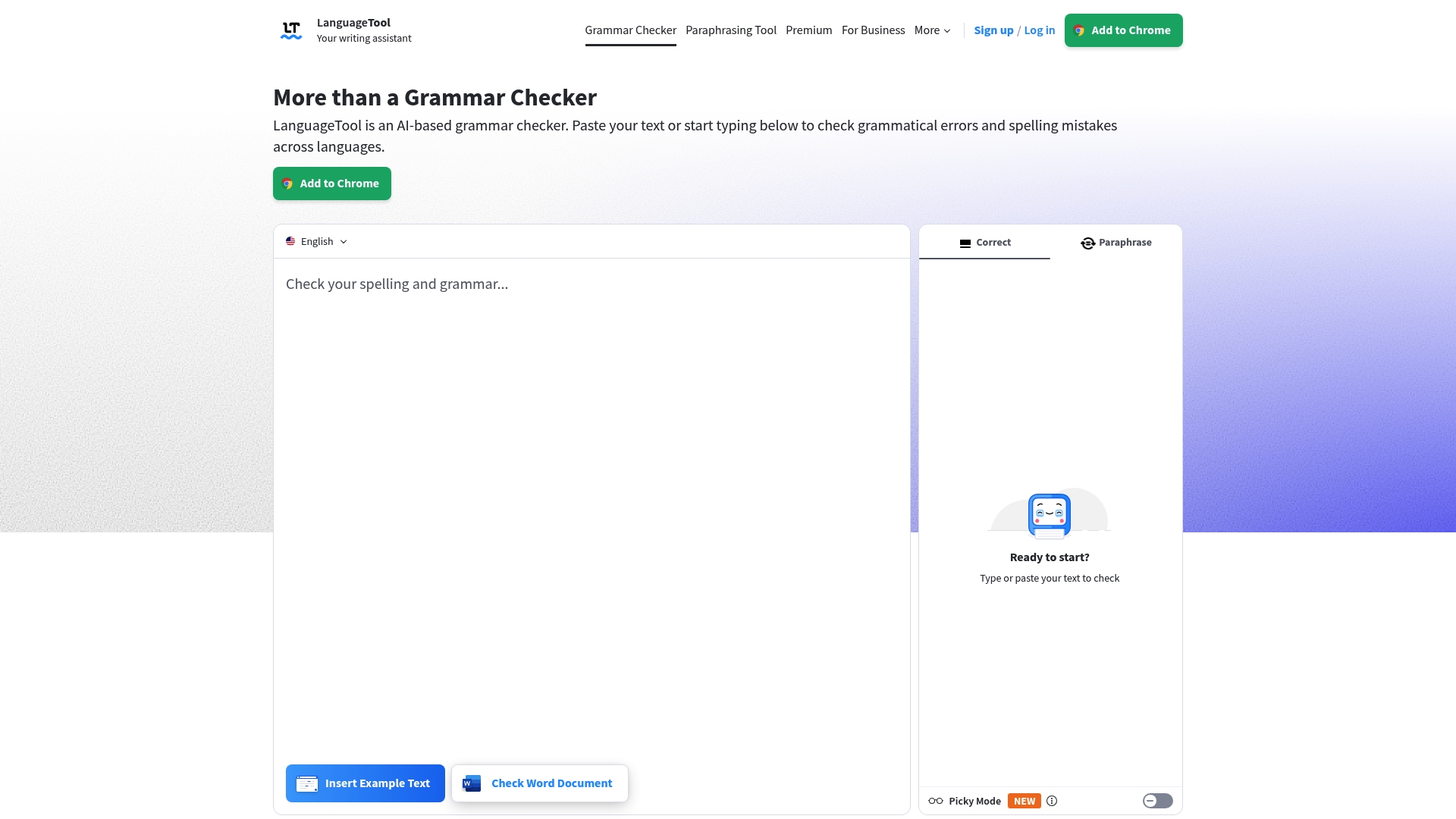
LanguageTool reports 20+ million texts improved daily. That figure shows broad adoption among individuals and teams. The tool checks grammar, punctuation, style, and spelling in over 30 languages, including English, German, Spanish, and French.
Core Features
LanguageTool delivers AI driven grammar and style checking across more than 30 languages and dialects, with real time text correction and suggestions as you type. It includes a paraphrasing tool for sentence rephrasing and offers browser extensions, Office plugins, and native desktop apps for macOS and Windows. Team features include personal dictionaries and style guides for consistent tone across documents.
Key Differentiator
LanguageTool pairs AI powered style and tone analysis with an open source core, which gives teams transparency and optional self hosting paths. That combination suits organisations that want both automated suggestions and the ability to inspect or adapt underlying rules for specific language or brand needs.
Pros
The product supports a broad set of languages and dialects, so you can check multilingual content without switching tools. It offers configurable dictionaries and style guides that help teams keep a consistent voice across web pages and emails. That user count mentioned above appears across free and paid tiers. The open source core allows technical teams to self host or review rules when compliance or data control matters.
Cons
- Some advanced error detection and style suggestions are limited in the free plan, requiring an upgrade for full coverage.
- Unlimited paraphrasing and access to every error type require the Premium plan.
- Accuracy can vary with very complex sentences or specialised terminology, so manual review is still needed for critical copy.
When It May Not Fit
If you need every error type covered without paying, this will feel restrictive because full coverage sits behind Premium. If you must self host at no cost, the free plan does not offer that option. If your content uses dense technical jargon, you may prefer a specialist proofreading workflow rather than automated checks alone.
Notable Integrations
- Google Docs
- Microsoft Word
- Google Chrome
- Mozilla Firefox
- LibreOffice
- Apple Pages
Who It’s For
You are a student, content creator, or communications team that writes in multiple languages and wants faster, consistent proofreading. LanguageTool suits organisations that need style control across documents and prefer the option to inspect or self host the underlying rules. It works for writers who want real time suggestions while drafting.
Real World Use Case
A multinational company uses LanguageTool Premium with Google Docs and email to maintain consistent, error free communication across global teams in more than 30 languages. The company applies shared style guides so translators and local teams follow the same tone and terminology.
Pricing
LanguageTool offers a free tier and a Premium subscription for additional features and unlimited use. The vendor states Premium unlocks full error coverage, unlimited paraphrasing, and team management functions.
Website: https://languagetool.org
WhiteSmoke
At a Glance
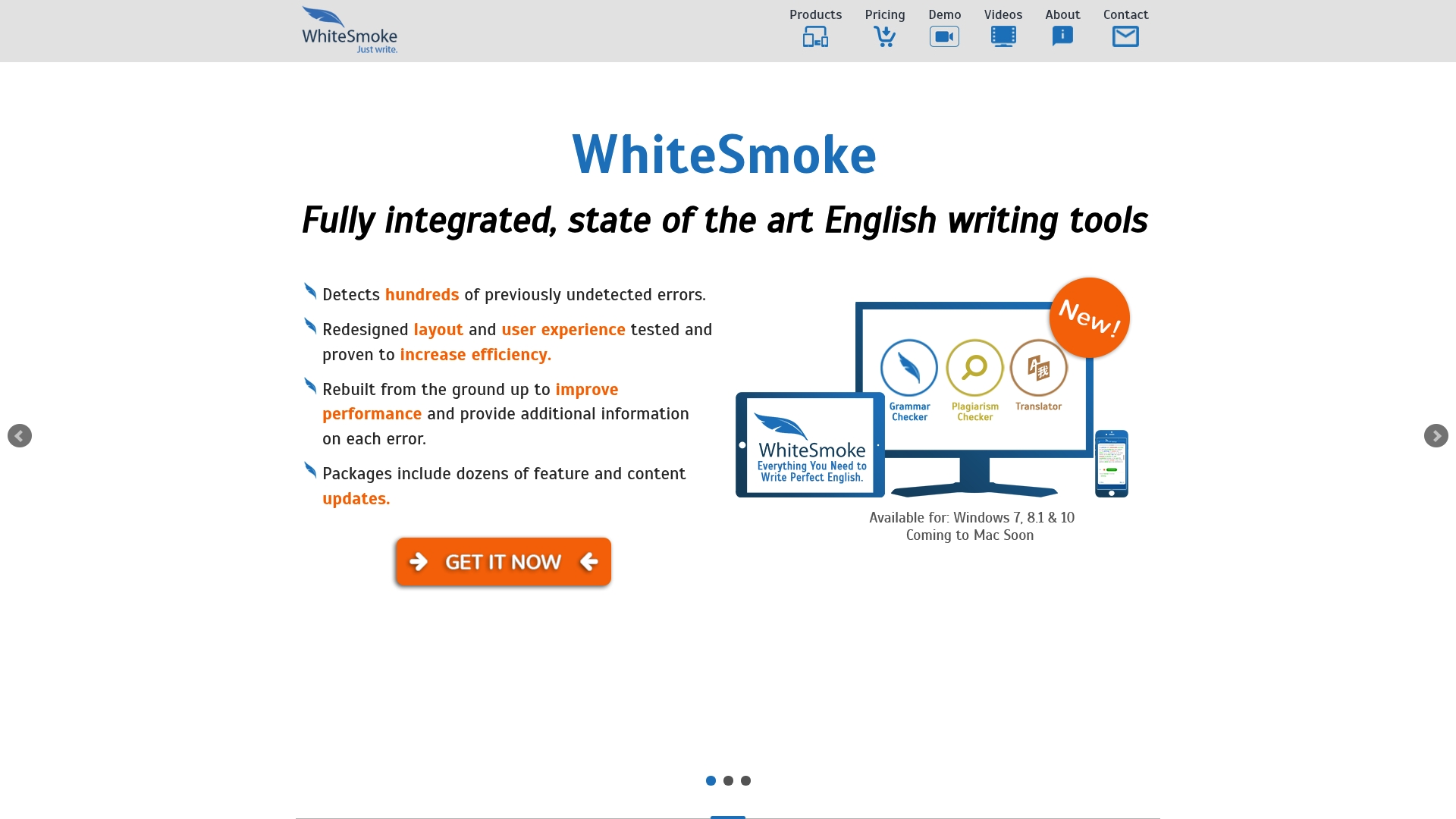
Translation into over 50 languages sits alongside downloadable templates and real time grammar correction. WhiteSmoke combines those features with browser and desktop plugins to cover most writing contexts. The result is a single tool you can use for reports, emails, and language learning.
Core Features
WhiteSmoke performs grammar, spelling, punctuation, and style checking and offers extensive error explanations and writing tutorials. It provides translation across more than 50 languages and includes document and letter templates for common professional formats. The product also installs as desktop and mobile apps and as browser extensions that integrate with common editors.
Key Differentiator
WhiteSmoke pairs deep integration with Microsoft Office and browsers with patented NLP technology for nuanced error detection. That combination targets writers who need checks inside Word and Outlook as well as in web editors. The integration aims to reduce context switching while preserving more advanced style suggestions.
Pros
The engine shows strong detection of grammatical and style issues and gives detailed explanations that help users learn from mistakes. The interface is designed for speed and clarity across desktop, mobile, and browser extensions, which keeps proofreading within existing workflows. Educational resources and templates add value for students and professionals who want guided improvements rather than only surface corrections.
Cons
- Many advanced features sit behind a subscription, so casual users will see limited capability without paying.
- Third-party reviewers suggest the product can be pricier for single users compared with some free options.
- Several core functions require an internet connection, which reduces usefulness when you work offline.
When It May Not Fit
If you write primarily offline you will find several checks unavailable because the product needs internet access. If you only need occasional spelling fixes the subscription model may feel expensive compared with free browser tools. Teams requiring detailed audit logs or enterprise security certifications will need to verify those items separately as they are not listed here.
Notable Integrations
- Microsoft Word: in‑document checking within Office.
- Microsoft Outlook: proofreading inside email composition.
- Chrome browser: inline suggestions in web editors.
- Firefox browser
- Safari browser
- Opera browser
Who It’s For
Students, educators, ESL learners, and business professionals who write in English and want integrated checks inside familiar editors will gain most. Content creators and bloggers who use web editors benefit from the browser extensions and translation tools. Organisations that rely heavily on Microsoft Office will particularly value the deeper Office integration.
Real World Use Case
A consultant proofs client reports in Microsoft Word and uses the Outlook plugin to tidy follow up emails before sending. The multilingual translation helps when drafting summaries for international stakeholders. Tutorials and templates speed up routine correspondence while keeping a consistent, professional tone.
Pricing
Pricing varies by product version and subscription plan, and the vendor lists specific figures on its store. Expect separate options for individual licences and business plans, with the more advanced checks on paid tiers.
Website: https://whitesmoke.com
Spellmatic
At a Glance
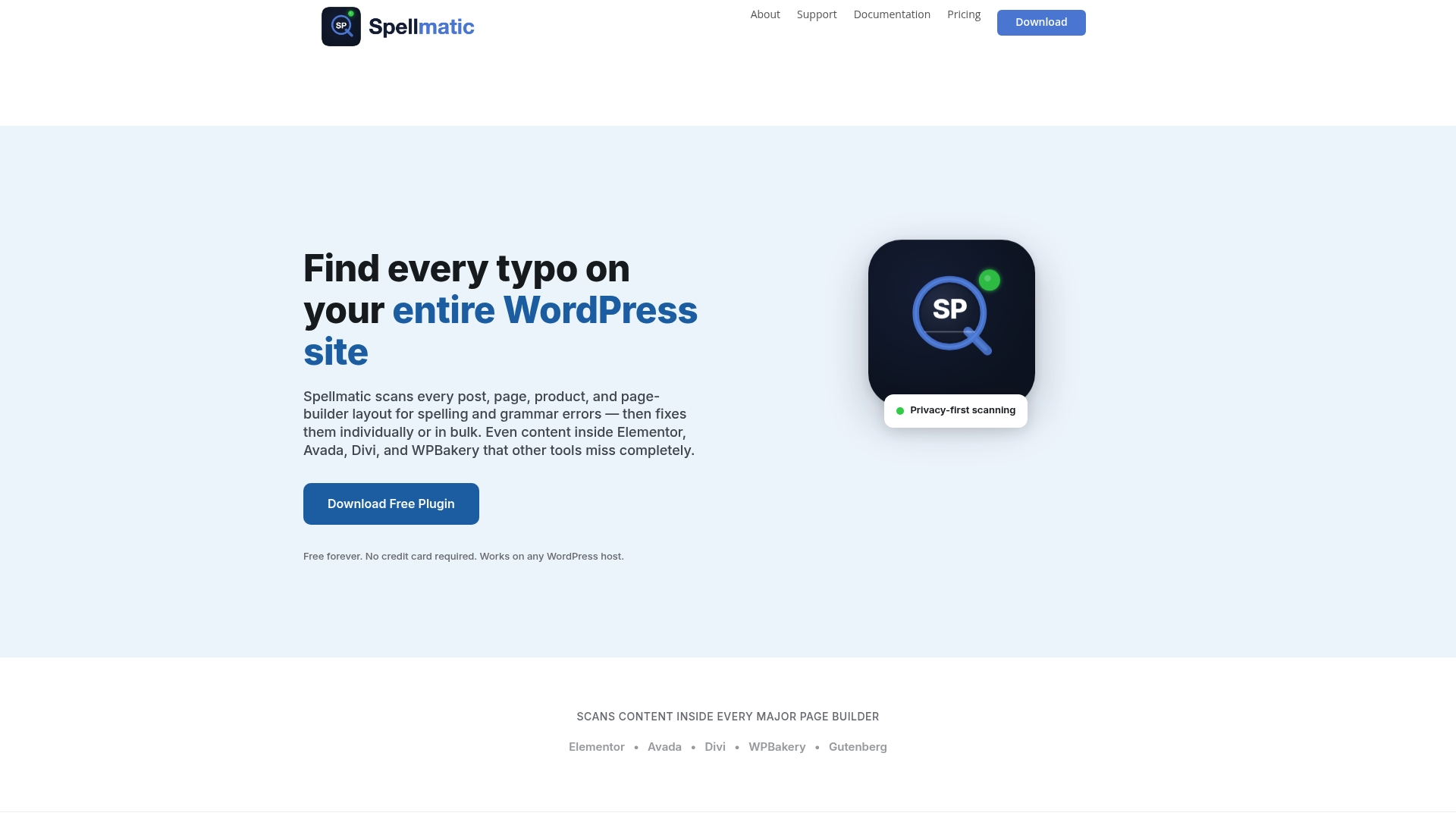
Spellmatic performs its scanning inside the visitor’s browser using WebAssembly, so site content does not leave your server during basic checks. The plugin pulls text out of major page builders to reveal errors that conventional crawlers miss. This approach keeps scans fast and privacy conscious while showing errors across an entire WordPress site in a single run.
Core Features
Spellmatic offers a full site scan that extracts text from page builders including Elementor, Avada, Divi, and WPBakery, so hidden content is included. It connects to AI proofreaders via user-owned API keys and provides a custom dictionary for brand names and specialist terms. The Pro tier adds bulk fixes and AI contextual corrections to speed large cleanups.
Key Differentiator
The principal difference is the deeper extraction from page builders combined with browser-based scanning, which targets problems standard checkers miss. That focus makes Spellmatic a nearer match for teams working only on WordPress sites than Websitespellchecker, which scans whole sites and tracks changes over time. The privacy-first, client-side scan model suits sites that cannot forward content to third parties.
Pros
Deep page builder extraction finds text inside complex layouts, so you catch errors in widgets and templates. The privacy-first scanning model keeps most content local unless you enable AI proofreading with your own API keys. Multiple AI provider support gives you a choice of proofreaders, and the interface keeps scanning and review simple with one-click starts and a clear error list. Tiered pricing includes a free option for light use and paid plans for bulk fixes and agency workloads.
Cons
-
Bulk fix and AI proofreading are locked behind the Pro and Agency plans, which limits automation for users on the free tier.
-
The plugin works only on WordPress, so teams with non-WordPress sites need a different solution.
-
The free plan reveals only up to ten errors per scan, which restricts usefulness on larger sites.
-
Requiring you to manage your own AI API keys may be a barrier for less technical teams.
When It May Not Fit
If your site runs on a platform other than WordPress, Spellmatic is not a fit. Large teams that need centralised API management may find the user-managed API key approach awkward. If you need open, platform-agnostic site monitoring and historical change tracking, a broader site scanner would be a better choice.
Who It’s For
WordPress site owners, content teams, and agencies that rely on Elementor, Divi, Avada, or WPBakery and that prefer to keep content scanning local will get the most value. Teams who want to control AI costs by using their own keys will appreciate the flexibility. It suits people who need fast discovery of hidden text errors inside complex page layouts.
Real World Use Case
A digital marketing agency scans client installs before publishing campaign pages to catch layout hidden text and product description errors. The agency uses the Pro plan to run bulk fixes, then connects its chosen AI provider with an agency API key for consistent tone corrections. That workflow cuts manual proofreading time across multiple client sites.
Pricing
Spellmatic offers a Free tier and three paid options: Site Scan $19 one-time, Pro $79/year, and Agency $149/year. The free tier is useful for spot checks, while Pro and Agency unlock bulk fixes and AI proofreading for regular maintenance.
Website: https://spellmatic.com
Comparison of alternatives
When considering website spell checkers, unique capabilities and diverse user requirements call for a detailed comparison to identify the most suitable tool.
Pricing and affordability
WebSite SpellChecker delivers a no-subscription pricing model, allowing users to pay per scanned page. This is advantageous for teams requiring occasional assessments who wish to avoid fixed recurring fees. Conversely, Grammarly provides both free and subscription models, making it accessible to students and small teams, but its subscription model may result in higher cumulative costs for infrequent users. LanguageTool and WhiteSmoke adopt similar tiered subscription systems, suitable for frequent use but less so for ad hoc checking needs.
Feature specialisation
Each tool excels in specific features tailored to distinct workflows. Grammarly offers AI-driven rewriting and advanced tone analysis, ideal for teams focused on content precision and alignment with brand voice. LanguageTool is a specialised solution for multilingual proofreading and customisation, supporting more than 30 languages and offering personal dictionaries and style guides. WhiteSmoke shines with its integration into desktop software and educational resources, benefiting Microsoft Office users. Spellmatic provides functionality designed exclusively for WordPress sites with its privacy-focused scanning using WebAssembly and compatibility with page builders such as Elementor and Divi.
Best fit
- Website owners with specific audit needs and a preference for low-cost, flexible pricing models will benefit most from WebSite SpellChecker.
- Content teams seeking advanced rewriting, tone features, and integration into desktop and online tools should explore Grammarly.
- Organisations requiring proofreading capabilities for multilingual content with style customisation and self-hosting options should evaluate LanguageTool.
- Professionals who depend on Microsoft Office as their primary tool will appreciate the integration offered by WhiteSmoke.
Our pick
WebSite SpellChecker’s pay-per-page pricing model and focus on scanning large sites deliver flexibility and cost-effectiveness by subscription-based tools. While alternative tools may shine in specific scenarios, for teams seeking affordable, on-demand website spell checking, WebSite SpellChecker is the clear choice. This tool is less suited, however, for users requiring offline access or deeper editing recommendations on non-public platforms.
Here is a comparison of leading website spell checkers based on their key attributes and limitations:
| Product | Key Differentiator | Best For | Pricing | Notable Limitation |
|---|---|---|---|---|
| Websitespellchecker | Site-wide scans paid per page scanned | Teams needing affordable, on-demand checks | Starts at $0.08 per page | Only scans publicly accessible pages |
| Grammarly | AI-driven rewriting and tone adjustments | Teams needing contextual content refinements | Starts at $12/month | Free tier offers limited customisation |
| LanguageTool | Supports 30+ languages with self-host options | Multilingual content creators and editors | Free and Premium tiers | Premium required for advanced features |
| WhiteSmoke | Integration with Microsoft Office | Professionals requiring in-document corrections | Price not published | Needs internet for most functions |
| Spellmatic | Scans WordPress pages including hidden text | WordPress site owners using page builders | Free and paid tiers | Restricted to WordPress platforms |
Challenges in Maintaining Error-Free Websites
You know how difficult it is for website owners, digital marketing teams, and agencies to keep content free from spelling and grammar mistakes. Errors on public pages can chip away at trust and harm search engine rankings. Manual proofreading across many pages is time-consuming and inefficient. Websitespellchecker addresses this by scanning entire sites or selected pages swiftly and returning instant reports. Its AI-powered tracking of text changes over time helps teams verify that corrections remain effective after updates.
Websitespellchecker offers a pay-per-page pricing model without subscriptions, making it practical for teams that update content often or require ad hoc audits. It supports multiple languages and regional settings, perfect for international campaigns.
Try Websitespellchecker now to quickly identify spelling and grammar issues across your website. Save time and maintain a professional online presence with instant, detailed reports. Start with a free initial scan of up to 50 pages today.
Visit Websitespellchecker for a practical solution that fits your team’s proofreading needs.
FAQ
What unique feature does Websitespellchecker offer for team management?
Websitespellchecker tracks text changes over time, allowing teams to monitor fixes and regressions effectively. This feature is especially useful for teams that frequently update content, as they can verify that corrections remain in place. To make the most of this capability, consider using it during your regular content audits.
How does LanguageTool compare with Websitespellchecker for multilingual support?
LanguageTool is strong in providing AI-driven grammar and style checking across more than 30 languages, making it suitable for multilingual content. This makes it an excellent choice for organisations with diverse language needs, while Websitespellchecker focuses on scanning for spelling and grammar issues primarily on publicly accessible pages. If your main aim is usability across multiple languages, exploring LanguageTool may be beneficial.
Can I run free scans with Websitespellchecker before committing to a purchase?
Yes, Websitespellchecker allows new users to run free initial scans for up to 50 pages without any commitment. This gives you a chance to test the tool’s accuracy before deciding to purchase additional scans. Take advantage of this offer to understand how the service fits your needs.
What is the tiered pricing structure of Websitespellchecker?
Websitespellchecker charges a pay-per-page basis, with prices starting from $0.08 per page. This pricing model is budget-friendly for those who only need occasional audits, making it suitable for smaller teams or one-off projects. You can budget your checks according to your project requirements without ongoing fees.
How does Spellmatic handle hidden text errors compared to Websitespellchecker?
Spellmatic excels at finding hidden text errors within complex layouts by deeply extracting content from popular page builders. While Websitespellchecker focuses on publicly accessible pages, Spellmatic’s approach is particularly useful for those using WordPress and seeking to reveal errors that standard checkers might miss. If your content is largely built with page builders, considering Spellmatic for targeted scans may improve your proofreading efficiency.